
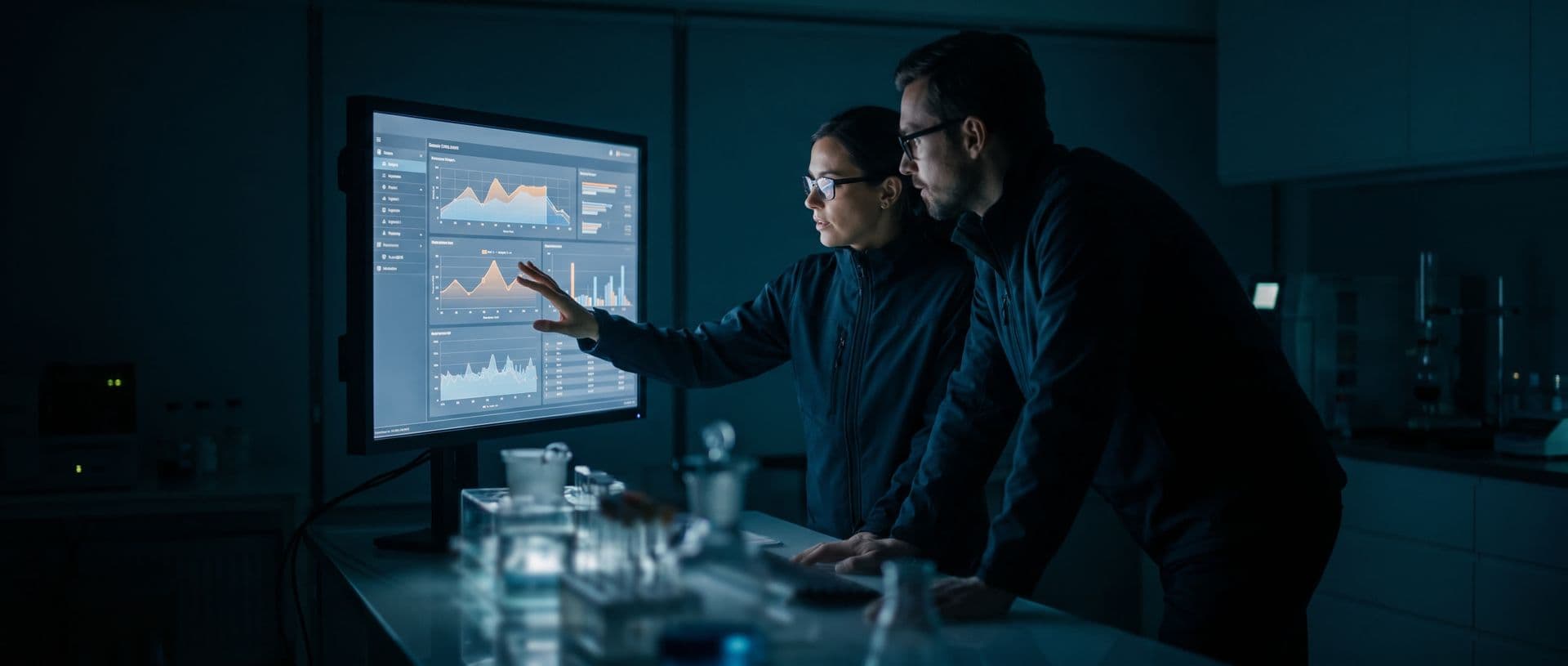
Sampling schedules linked to the contract
Each contract campaign becomes a sampling schedule on the calendar, with points, frequency and services. The contract summary compares contracted against consumed, and the work order is generated from the schedule.
Illustrative system screen. Demo data that does not represent client results.
What you'll find in this area
The contract becomes a sampling schedule
Contracted campaigns become sampling schedules on the calendar, with quantity, points and services already linked.
Contracted and consumed per campaign
The contract summary shows, per campaign, how much was contracted and how much has been consumed, in samples and in amounts.
Overruns highlighted
When a campaign's consumption goes past what was contracted, the summary highlights the difference. This helps negotiate the overage or adjust the contract.
Work order from the schedule
The work order is generated from the schedule for the date, with samples, services and amounts already linked.
Scheduled recurrence
Periodic sampling is scheduled from the contract frequency. This reduces reliance on manual reminders.
One-off sampling in the same flow
One-off contract sampling follows the same scheduling, work order and arrival at the lab.
The sampling budget under control
Monitoring is a calendar and contract commitment. Tracking consumption per campaign helps protect the margin.
Consumption per campaign, not just the total
Contracted and consumed are shown separately for each campaign. One campaign's overage does not hide in the contract average.
Overage with figures in hand
With consumption above the contract highlighted, the laboratory decides whether to bill the extra sample or adjust the contract.
Schedules updated when the contract changes
When points or frequency change, the sampling schedules can be regenerated to reflect the new contract.
Frequently asked questions
How does the contract become a sampling schedule?
Each contract campaign generates scheduled sampling on the calendar, with defined quantity, frequency and points. The schedule drives the contract's sampling agenda.
Can I see if a campaign went past what was contracted?
Yes. The contract summary shows contracted and consumed per campaign and highlights what went past the plan, with samples and amounts on the same panel.
Does the work order come from the sampling schedule?
It does. You pick the schedule for the date and generate the work order from it, with samples, services and amounts already linked.
What about one-off sampling that comes up at the last minute?
It comes in as a one-off contract sample and follows the same scheduling, work order and lab arrival flow.
Does the system define the statistical sampling plan?
No. The system schedules the contract's sampling. The sampling method and any statistical criteria are defined by the laboratory.
See the app with a sampling job from your routine
In the demo, we show how sampling, photos and signatures are recorded and how the data is sent to the system. Bring an example of a route or a sampling point.