
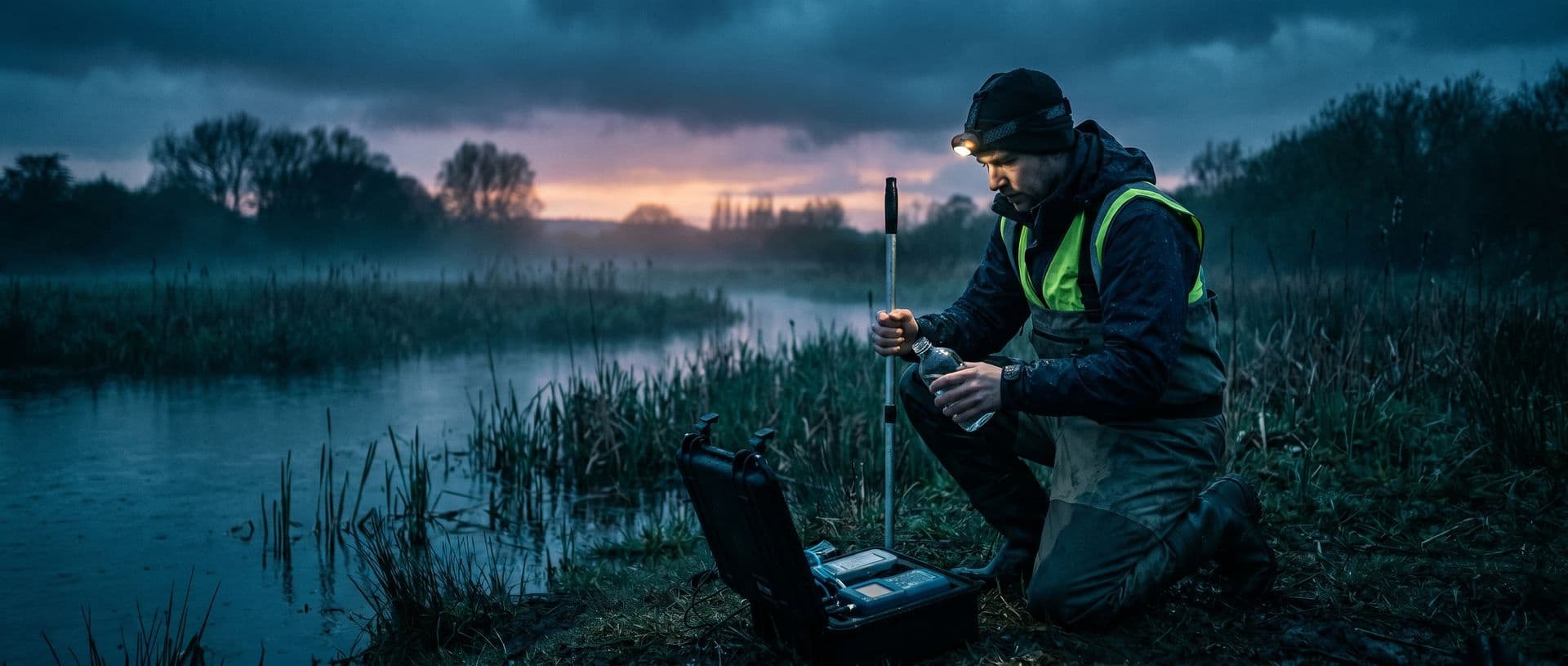
Environmental campaigns, from field sampling to report review
Plan points and campaigns, record sampling even in areas without a connection and check results compared with the references configured by the laboratory.
How an environmental lab works
The sample does not arrive at the front desk. The team goes into the field, covers dozens of points across rivers, wells, treatment plants and emission sources, and comes back with contract, method and applicable requirement deadlines running. When that lives in spreadsheets, clipboards and loose phone photos, the campaign turns into rework.
Scheduled periodic campaigns.
Set up recurring sampling once (monthly, quarterly, every six months) and the system generates the work orders for each cycle from the sampling plan.
Routes with many points.
The day's itinerary is built with the order of stops, to reduce travel between points.
Itinerary in the sampler's hands.
The sampler gets the day's itinerary in the app and, with the integration configured, also via WhatsApp. Management follows progress on the logistics dashboard.
Logistics cost estimate.
The sampling cost calculator estimates travel, equipment and items based on the data entered in the proposal. The breakdown carries over from the proposal to the contract.
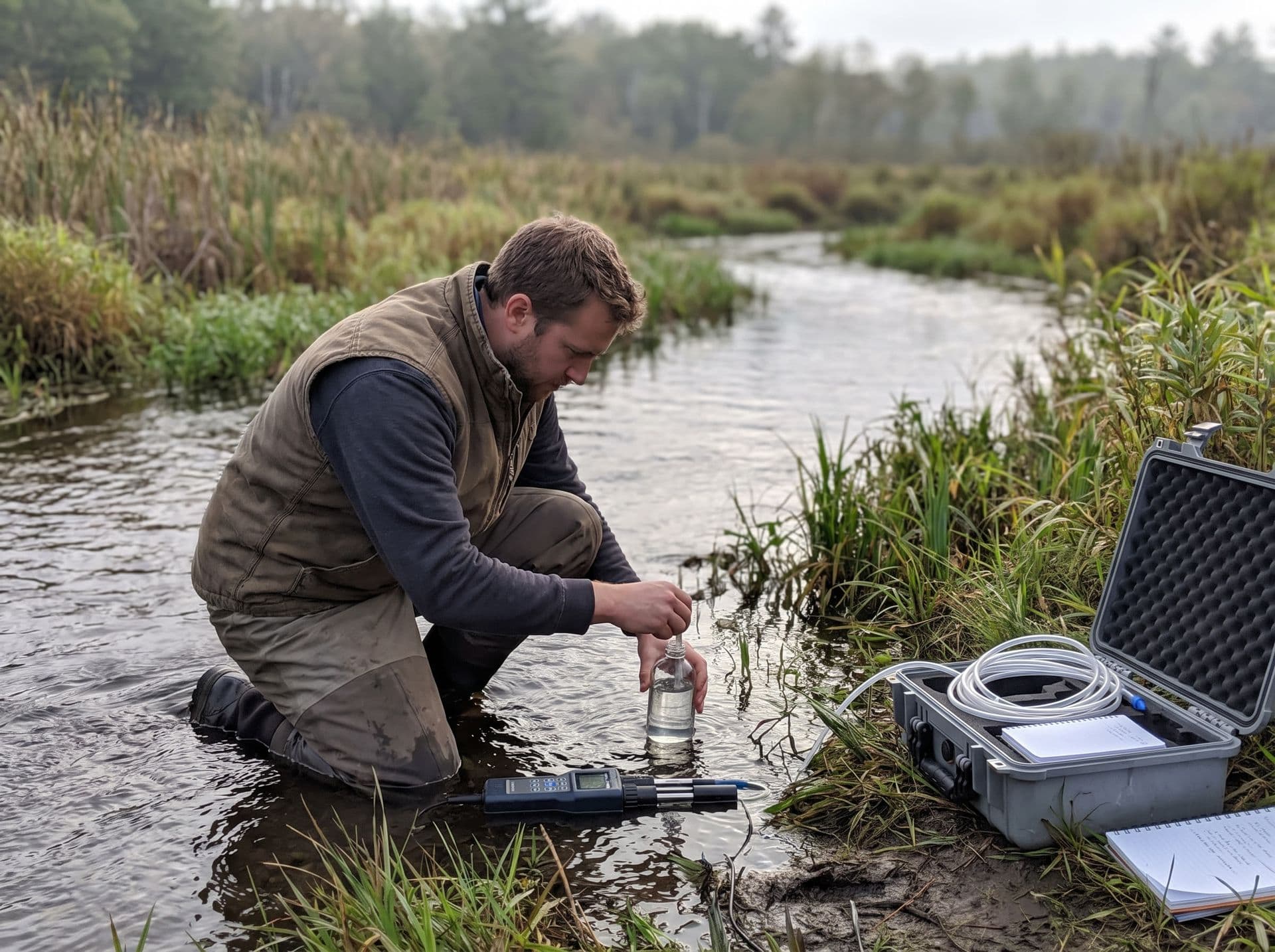
The sample starts at the point, with GPS, photo and custody records, even with no signal.
The app works without internet and sends the records when the connection returns. Each sample leaves the field linked to its point, with location and photo, which helps answer questions about its origin.
- Sampling, data and photos recorded offline, sent on reconnect.
- Each sample linked to its point, with the GPS position recorded.
- Photo of the point at the time of sampling, attached to the sample.
Field sampling in areas without a connection
The sampling app downloads the day's jobs and works without internet. When the connection returns, it sends the records in batches, retrying if a send fails.
Recording with no signal.
The sampler records data, photos, signature and checklist offline. Sending happens when the device is back online, with no retyping at the office.
GPS as evidence of the record.
Each sampling is linked to the registered point, with the GPS position recorded by the device. It is evidence of the record. Accuracy depends on the device and the signal at the site, and checking the point stays with the team.
Point condition documented.
Photos of the sample and the point at the time of sampling are attached to the sample.
Catalogued points.
Points are registered by type of location. In the field, the sampler selects the point, which helps reduce typing errors.
Depth sampling and field measurements: the laboratory builds forms with the fields the sampling requires and marks the mandatory ones. What is entered stays in the sample's history.
Offline mode covers the operations confirmed in testing on the device. Validate your sampling flow in airplane mode during onboarding.
Illustrative system screen. Demo data that does not represent client results.
Illustrative example: a sampling day in the app
The day's jobs, route, recording at the point without a connection and sending on reconnect. The screen uses demo data and sensitive information is hidden.
See this flow in the demoRegulations and criteria: registered, maintained and checked by the laboratory
The same result may need to be compared with different references, depending on the matrix and destination. Gerencialab does not include preloaded regulations: the laboratory registers the references it uses, and the system compares the result with the limits registered for the service.
References in the registry.
Register the limits and criteria in your scope, such as the CONAMA 430/2011 discharge standards and the CONAMA 357/2005 per-class standards.
Inside or outside the registered limit.
The result appears compared with the service's limit, and anything out is highlighted for technical review.
Specification by matrix.
Register the methods and parameters in your scope (pH, BOD, COD, metals, nutrients and others) and build the specification by matrix, from surface water to effluent.
Composite samples with a billing rule.
Combine collections into a composite sample with a defined billing rule, as periodic monitoring requires.
Limits and their updates are maintained by the laboratory.
Technical decisions, such as acceptance criteria, decision rules, method validation and release of results, belong to the laboratory. The system records and organizes these decisions.
From result to report, with a history of each step
The system carries the sample from technical review to the signed document and records each step. When the client or the agency asks for an explanation, the team checks the history instead of searching through folders.
Review before release.
Results go through technical review before signature and release. The reviewer approves or returns them to the analyst, which helps reduce errors in the client's report.
Report in a configurable template.
Configurable header, footer, logo and signature. The PDF comes out with variables filled in by the system.
Controlled versions.
The template has version control, and revisions of issued reports are archived with reason and person responsible.
Sample history.
From proposal to sample and from analysis to report, the system records who did what and when.
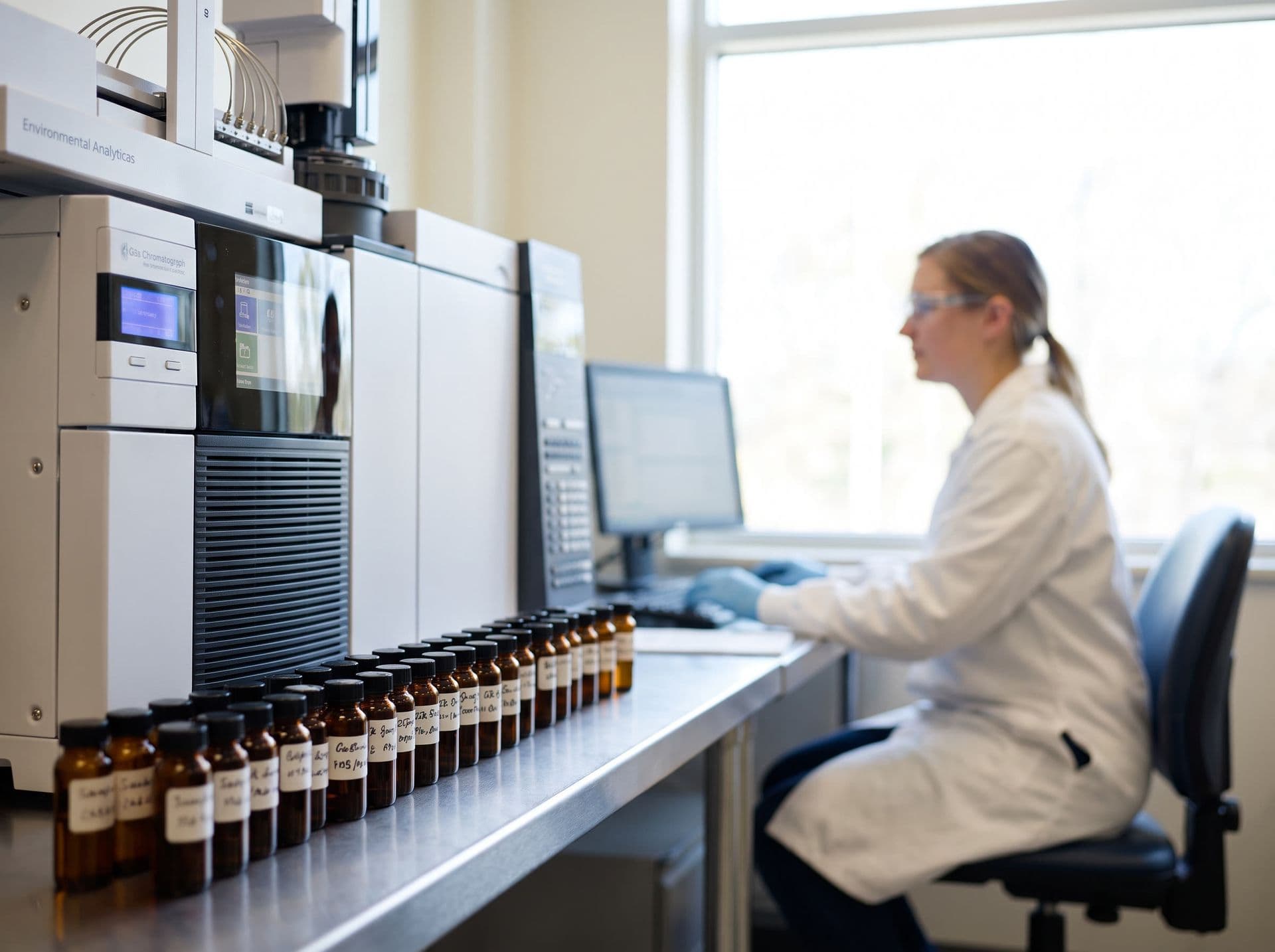
Results compared with the registered references and a signed report.
The laboratory registers the references and the system compares each result with the service's limit. The report is signed by the technical manager, with a versioned template and the sample's history.
- Result compared with the reference the laboratory registered.
- Report signed by the technical manager, with a version-controlled template.
- Audit trail with who did what and when.
Features for ISO/IEC 17025 routines
An audit does not have to become a folder marathon. The system brings together quality control, equipment, calibration and document records that help the laboratory present evidence. ISO/IEC 17025 accreditation is granted to the laboratory for the applicable scope, not to the software.
Technical and quality work in one system.
Accredited tests flagged on the report, analytical quality control, equipment, calibration and controlled documents.
History preserved.
The audit trail records who did what and when in the main records and results, kept for at least 5 years.
Calibration with expiry notice.
Calibration plan and validity with an expiry notice. Using expired equipment triggers a warning or a block, depending on the laboratory's configuration.
Analytical quality control.
Reference materials controlled by lot and expiry and control charts with Westgard rules. Acceptance criteria are defined by the laboratory.
What an environmental lab uses day to day
Modules available according to the contracted scope.
Sampling and logistics.
Routes, scheduling, recurring sampling and an app with offline mode and GPS.
Samples.
Intake, containers, QR or barcode labels, photos and disposal with history.
Laboratory and analyses.
Methods, parameters, execution, review and import of results by file.
Quality and equipment.
Calibration, maintenance and nonconformities, with evidence organized for audits.
Reports and templates.
Templates, signature and report PDF with the laboratory's identity.
Finance.
Payables and receivables, invoicing, reconciliation and income statement. NFS-e service invoices issued under Brazil's national standard, depending on the municipality joining it, an A1 digital certificate and the company's tax setup.
What exists today and where the limits are
Status of each feature mentioned on this page, for the current version of the system.
| Topic | Status | What exists today | Limit / laboratory responsibility |
|---|---|---|---|
| Sampling app with offline mode | Available | The app downloads sampling jobs, including PDFs, for work without internet. It records photos, the client's signature, GPS and checklist, and sends them in batches, with retries, when the connection returns. | Offline mode covers the operations confirmed in on-device testing. Validate your sampling flow in airplane mode during implementation. |
| Regulations and limits | Depends on configuration | The laboratory registers regulations, matrices and maximum allowed values, and the system compares each result with the limits registered for the service. | Regulations are not preloaded. Registering, checking and updating limits are the laboratory's responsibility. |
| Instrument result import | Via file import | Imports results from CSV, TXT, XLS and XLSX files and from ASTM E1394, HL7 v2, XML, JSON and fixed-width text formats. Files arrive through an agent installed at the laboratory that watches a folder, by manual upload or by webhook. | The system does not connect to the serial port or directly to the instrument. The ready-made import profiles are generic, with no reader specific to a manufacturer or model, and each instrument is configured and tested with the laboratory. |
| Continuous serial capture | Requires case assessment | The current version does not read instruments through the serial port or through a direct real-time connection. Results come in by file, sent by the local agent, manually or by webhook. | Continuous serial capture is not available in the current version. The needs of each instrument are assessed case by case during the initial assessment. |
| Equipment and calibration | Depends on configuration | Equipment register with life cycle, calibration with certificate and uncertainty, maintenance and expiry alerts. Using expired or failed equipment triggers an alert or a block, depending on the setup. | The default is to warn. Blocking applies to equipment flagged as critical or when the laboratory turns on blocking mode. |
| NFS-e service invoice issuance | Depends on configuration | Issues the Brazilian electronic service invoice (NFS-e) under the national standard, from the system's billing. | It depends on the municipality joining the national standard, an A1 digital certificate and the company's tax setup. Some tax regimes require prior validation; confirm coverage for your operation in the demo and in the proposal. |
Current features and limits
Sampling app with offline mode
- What exists today
- The app downloads sampling jobs, including PDFs, for work without internet. It records photos, the client's signature, GPS and checklist, and sends them in batches, with retries, when the connection returns.
- Limit / laboratory responsibility
- Offline mode covers the operations confirmed in on-device testing. Validate your sampling flow in airplane mode during implementation.
Regulations and limits
- What exists today
- The laboratory registers regulations, matrices and maximum allowed values, and the system compares each result with the limits registered for the service.
- Limit / laboratory responsibility
- Regulations are not preloaded. Registering, checking and updating limits are the laboratory's responsibility.
Instrument result import
- What exists today
- Imports results from CSV, TXT, XLS and XLSX files and from ASTM E1394, HL7 v2, XML, JSON and fixed-width text formats. Files arrive through an agent installed at the laboratory that watches a folder, by manual upload or by webhook.
- Limit / laboratory responsibility
- The system does not connect to the serial port or directly to the instrument. The ready-made import profiles are generic, with no reader specific to a manufacturer or model, and each instrument is configured and tested with the laboratory.
Continuous serial capture
- What exists today
- The current version does not read instruments through the serial port or through a direct real-time connection. Results come in by file, sent by the local agent, manually or by webhook.
- Limit / laboratory responsibility
- Continuous serial capture is not available in the current version. The needs of each instrument are assessed case by case during the initial assessment.
Equipment and calibration
- What exists today
- Equipment register with life cycle, calibration with certificate and uncertainty, maintenance and expiry alerts. Using expired or failed equipment triggers an alert or a block, depending on the setup.
- Limit / laboratory responsibility
- The default is to warn. Blocking applies to equipment flagged as critical or when the laboratory turns on blocking mode.
NFS-e service invoice issuance
- What exists today
- Issues the Brazilian electronic service invoice (NFS-e) under the national standard, from the system's billing.
- Limit / laboratory responsibility
- It depends on the municipality joining the national standard, an A1 digital certificate and the company's tax setup. Some tax regimes require prior validation; confirm coverage for your operation in the demo and in the proposal.
Standards cited on this page
The standards below are examples of references the laboratory can register. They are not included in the system.
| Standard | Status | What it covers | Official source |
|---|---|---|---|
Resolução CONAMA nº 357, de 17 de março de 2005 CONAMA 357/2005 | Partially revoked | Classification of water bodies, guidelines for assigning classes and quality standards per class.CONAMA 430/2011 revoked the articles on effluent discharge (arts. 24 to 37, 39, 43, 44 and 46). The classification and the standards per class remain in force. It was also amended by Resolutions 370/2006, 397/2008 and 410/2009. | Official source |
Resolução CONAMA nº 430, de 13 de maio de 2011 CONAMA 430/2011 | In force | Conditions and standards for discharging effluents into receiving water bodies.Complements and amends CONAMA 357/2005. | Official source |
References checked on 26/10/2026. Limits and their updates are maintained by the laboratory.
Frequently asked questions
Does the sampling app work without internet?
Yes, for the operations confirmed in testing on the device. The sampler records data, photos, GPS and checklist offline, and records are sent in batches when the connection returns. Validate your sampling flow in airplane mode during onboarding.
Can I compare the result with CONAMA 430/2011?
Yes, once the laboratory registers the standards it uses. The system compares each result with the limits registered for the service. Regulations are not preloaded, and checking and updating the limits is up to the laboratory.
Does the system read the instrument in real time?
Instrument results come in by file (CSV, TXT, XLS, XLSX, ASTM, HL7, XML, JSON or fixed-width text), through a local agent that watches a folder, by manual upload or by webhook. Each instrument is configured and tested with the laboratory. Continuous serial capture is not available in the current version.
Can I schedule recurring monitoring sampling?
Yes. The sampling plan with a calendar and frequency generates the work orders for each cycle. There is no statistical sampling plan; the sampling method and plan are defined by the laboratory.
Does it suit laboratories that work with ISO/IEC 17025?
The system has features that support the standard's routine, such as quality control, calibration, documents and an audit trail. ISO/IEC 17025 accreditation is granted to the laboratory for the applicable scope, not to the software.
Does sampling record the location?
Yes. Each sampling is linked to the registered point, with the device's GPS position. This data is evidence of the record, and accuracy depends on the device and the signal at the site.
See a monitoring campaign in Gerencialab, with your points and your references.
In the demo, we show sampling recorded without a connection, the result compared with the registered limits and the signed report.