
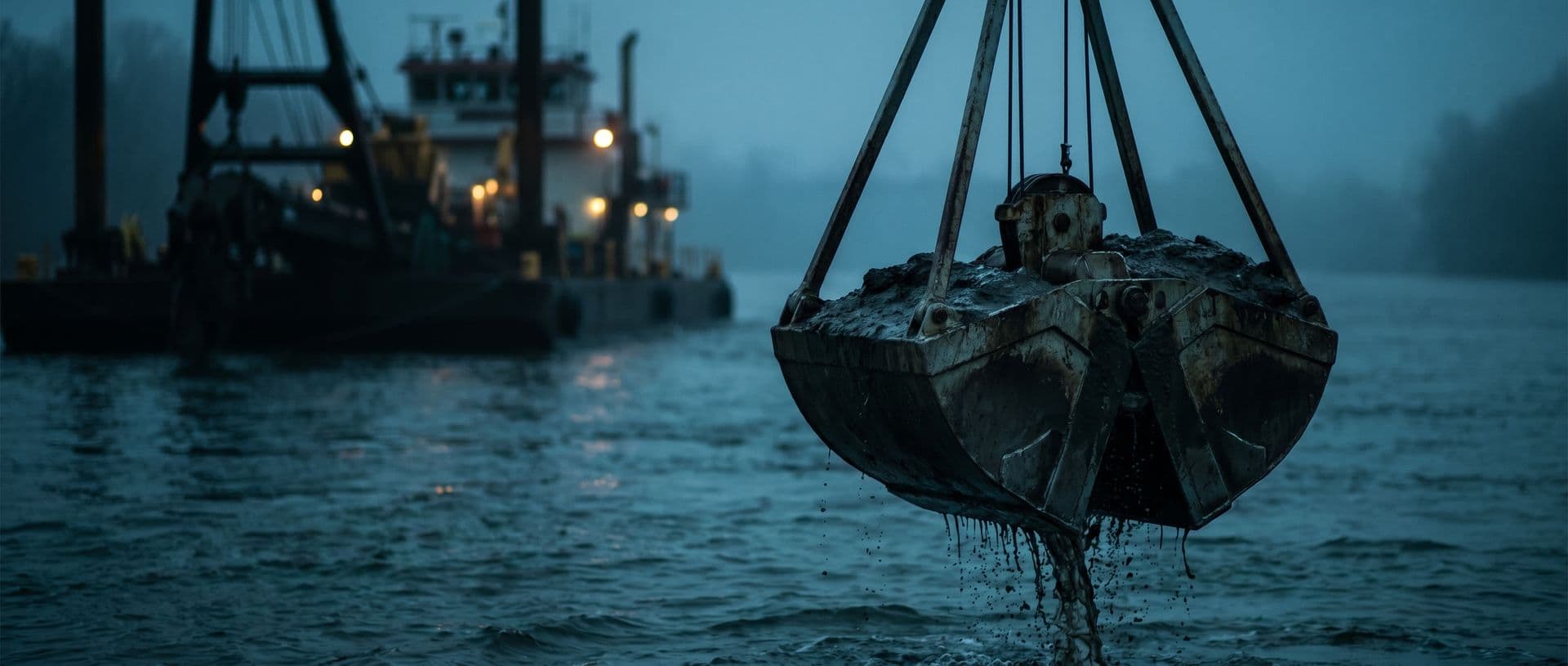
Dredging sediment analysis, from water-body sampling to the report
Compare results with the CONAMA 454/2012 Level 1 and Level 2 values registered by the laboratory, record sampling even without signal and keep each sample's history from proposal to report.
Who it is for
For laboratories that analyze dredging sediment: a bottom matrix, sampled in the water body, compared by level and with documentation required for licensing.
Comparison by level.
Each bottom sample is compared with the CONAMA 454/2012 Level 1 and Level 2 values the laboratory registered. The screen shows which range the result fell into.
Port dredging with custody records.
Each container has a history from the sampling point to the report, to support the licensing documentation.
Many analytes per sample.
Metals, organochlorines, pesticides, PCBs, PAHs, grain size and nutrients in the same sample, each parameter with its history.
Point and depth in the water body.
The point in the river, bay or port is registered, with a form for depth, bottom condition and notes.
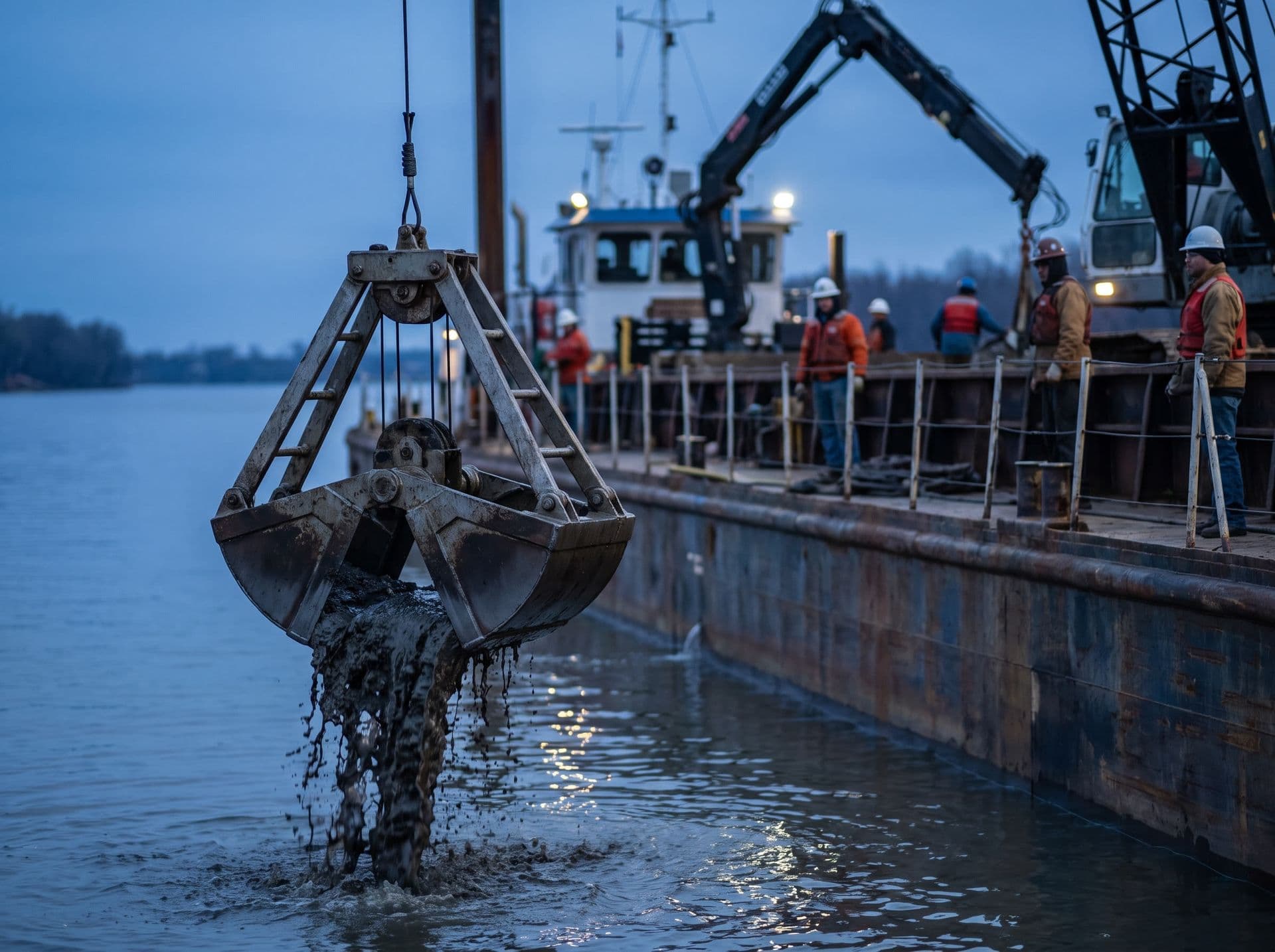
Sampling in the river or port, even with no signal, with custody records.
The sampler heads out with a route and a registered point and records depth, bottom condition and photos in the app without a connection. When the connection returns, the records are sent and stay linked to the sample.
- Point, depth and photos recorded in the water body.
- Custody records from sampling point to report.
- Configurable form for bottom condition and other field data.
CONAMA 454/2012: the laboratory registers the levels, the system compares
The laboratory registers the sediment matrix and the CONAMA 454/2012 Level 1 and Level 2 values and maintains that registry. On entry, each result is compared with the registered values, and the screen shows which level the analyte fell into.
Levels 1 and 2 as a registered reference.
CONAMA 454/2012 sets guidelines and reference procedures for managing material to be dredged. The laboratory registers the Level 1 and Level 2 values once, and each sediment sample is compared with them.
Each analyte compared with the level value.
The result is compared with the registered values, and the screen shows whether it is below Level 1, between the levels or above Level 2.
Sediment as its own matrix.
Bottom sediment is neither water nor effluent. In the registry, it has its own methods, grain size and reference, separate from the other matrices.
Data exported for licensing.
Data can be exported as XLSX, CSV or PDF to support the licensing documentation. The team builds the report to the agency from these exports.
Limits and their updates are maintained by the laboratory.
The final classification of the dredged material and the report to the environmental agency belong to the technical manager. Technical decisions, such as acceptance criteria, decision rules, method validation and release of results, belong to the laboratory. The system records and organizes these decisions.
The points that weigh most in sediment analysis
The system was designed around the points that weigh most in this routine.
A segment with its own rules.
Comparison by level, a bottom matrix and sampling in the water body call for a dedicated registry. In Gerencialab, the laboratory builds that registry and the system applies the reference linked to the service.
Licensing documentation.
The agency asks for chain of custody. Each sample has a history from proposal to report, recording who did what and when.
Dozens of parameters per sample.
A sediment sample can have dozens of parameters. They all stay in the same sample, with history, and no loose spreadsheet.
Sampling in the river or port with no signal.
The sampler records point, depth, photos and data in the app without a connection. Sending happens when the connection returns.
How Gerencialab supports the routine
From the water-body field sheet to the report, with less rework between steps.
Level range on screen.
On entry, each analyte is compared with the registered Level 1 and Level 2 values, and the system shows where the result fell.
Custody from proposal to report.
Barcode or QR label and a record of who did what and when at each step.
Sampling with no internet at the point.
The app records point, depth, photos and data and sends them later. Route notices via WhatsApp work when that integration is configured.
The laboratory's signed report.
Configurable template, variables filled in by the system, signature and PDF. Each template version is controlled.
Depth and bottom condition.
Registered points and forms with depth, bottom condition and field notes, with a history of what was entered.
Each sample has a history from proposal to report. During an audit or when the licensing agency asks for documents, the team looks up the result's history.
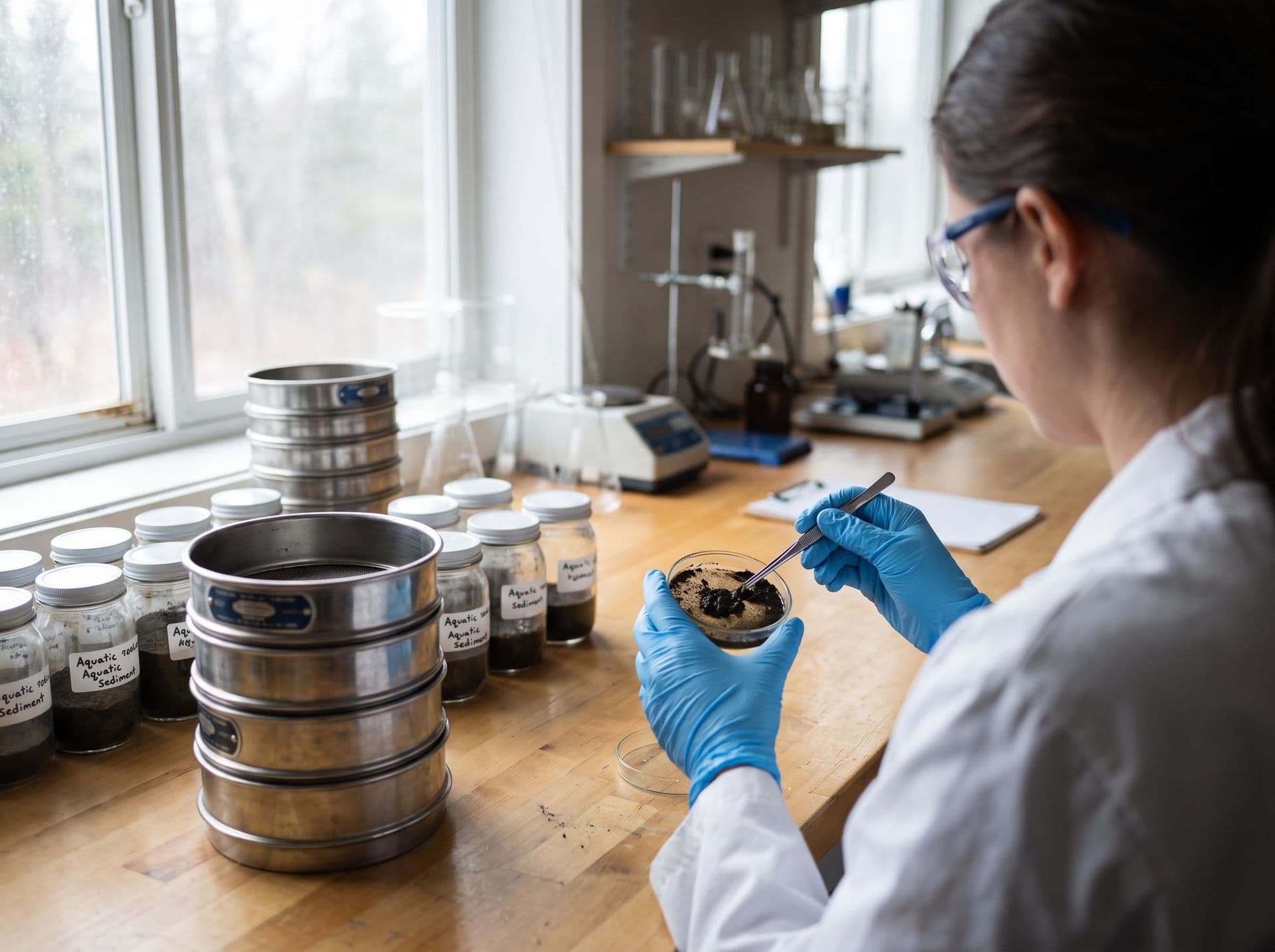
Results compared with the CONAMA 454/2012 Level 1 and Level 2 values registered by the laboratory.
Each analyte is compared with the values the laboratory maintains, and the data can be exported for licensing. The final classification and the technical manager's signature stay with the team.
- Levels 1 and 2 registered by the laboratory.
- Data exportable as XLSX, CSV or PDF.
- Report signed by the technical manager.
Modules most used for sediment and dredging
Modules available according to the contracted scope.
Sampling and logistics.
Route, schedule and recording of point, depth and photos in the app with offline mode and GPS.
Samples.
Barcode or QR labels and custody history from intake to disposal.
Laboratory and analyses.
Sediment matrix methods and parameters registered by the laboratory, results review and import by file.
Quality control.
Reference materials and control charts with Westgard rules, for ISO/IEC 17025 routines.
Reports and templates.
Configurable template, signature and PDF, with version control.
Finance.
Proposal, campaign contract and invoicing linked to the same history.
What exists today and where the limits are
Status of each feature mentioned on this page, for the current version of the system.
| Topic | Status | What exists today | Limit / laboratory responsibility |
|---|---|---|---|
| Regulations and limits | Depends on configuration | The laboratory registers regulations, matrices and maximum allowed values, and the system compares each result with the limits registered for the service. | Regulations are not preloaded. Registering, checking and updating limits are the laboratory's responsibility. |
| Sampling app with offline mode | Available | The app downloads sampling jobs, including PDFs, for work without internet. It records photos, the client's signature, GPS and checklist, and sends them in batches, with retries, when the connection returns. | Offline mode covers the operations confirmed in on-device testing. Validate your sampling flow in airplane mode during implementation. |
| Data export | Partial | Each module exports its data as XLSX, CSV, PDF or ZIP, such as lists, reports and test reports. | There is no full export of all laboratory data in a single package. Handing over data at the end of the contract is covered in the contract. |
| Instrument result import | Via file import | Imports results from CSV, TXT, XLS and XLSX files and from ASTM E1394, HL7 v2, XML, JSON and fixed-width text formats. Files arrive through an agent installed at the laboratory that watches a folder, by manual upload or by webhook. | The system does not connect to the serial port or directly to the instrument. The ready-made import profiles are generic, with no reader specific to a manufacturer or model, and each instrument is configured and tested with the laboratory. |
Current features and limits
Regulations and limits
- What exists today
- The laboratory registers regulations, matrices and maximum allowed values, and the system compares each result with the limits registered for the service.
- Limit / laboratory responsibility
- Regulations are not preloaded. Registering, checking and updating limits are the laboratory's responsibility.
Sampling app with offline mode
- What exists today
- The app downloads sampling jobs, including PDFs, for work without internet. It records photos, the client's signature, GPS and checklist, and sends them in batches, with retries, when the connection returns.
- Limit / laboratory responsibility
- Offline mode covers the operations confirmed in on-device testing. Validate your sampling flow in airplane mode during implementation.
Data export
- What exists today
- Each module exports its data as XLSX, CSV, PDF or ZIP, such as lists, reports and test reports.
- Limit / laboratory responsibility
- There is no full export of all laboratory data in a single package. Handing over data at the end of the contract is covered in the contract.
Instrument result import
- What exists today
- Imports results from CSV, TXT, XLS and XLSX files and from ASTM E1394, HL7 v2, XML, JSON and fixed-width text formats. Files arrive through an agent installed at the laboratory that watches a folder, by manual upload or by webhook.
- Limit / laboratory responsibility
- The system does not connect to the serial port or directly to the instrument. The ready-made import profiles are generic, with no reader specific to a manufacturer or model, and each instrument is configured and tested with the laboratory.
Standard cited on this page
The resolution below is the reference the laboratory registers for Levels 1 and 2. It is not included in the system.
| Standard | Status | What it covers | Official source |
|---|---|---|---|
Resolução CONAMA nº 454, de 1º de novembro de 2012 CONAMA 454/2012 | In force | General guidelines and reference procedures for managing material to be dredged in waters under Brazilian jurisdiction.It revoked CONAMA Resolutions 344/2004 and 421/2010. | Official source |
References checked on 26/10/2026. Limits and their updates are maintained by the laboratory.
Frequently asked questions
Are the CONAMA 454/2012 Levels 1 and 2 included in the system?
No. The system has a regulations registry, and the laboratory enters Levels 1 and 2 and their values. Checking and updating them is up to the laboratory. During onboarding, our team helps build the registry.
Does the system classify the material and report to the licensing agency?
No. The system compares each result with the registered levels and exports the data as XLSX, CSV or PDF. The final classification and the report to the environmental agency are done by the laboratory's team.
Can I analyze metals, organochlorines, PCBs, PAHs and grain size in the same sample?
Yes. The sediment sample can have all these parameters, each with its history and compared with the registered level value.
How does sampling in the water body work with no signal?
The app records point, depth, photos and data without a connection and sends them in batches when the connection returns. Offline mode covers the operations confirmed in testing on the device. Validate your sampling flow in airplane mode during onboarding.
How is the chain of custody recorded?
Each sample has a history from proposal to report, with a barcode or QR label, a record of who did what and when, and an audit trail. The team looks up that history when the agency asks for documents.
Does it import instrument results?
Instrument results come in by file (CSV, TXT, XLS, XLSX, ASTM, HL7, XML, JSON or fixed-width text), through a local agent that watches a folder, by manual upload or by webhook. Each instrument is configured and tested with the laboratory. Continuous serial capture is not available in the current version.
See Gerencialab with your sediment and dredging laboratory's routine.
In the demo, we show the sediment sample compared with the registered Levels 1 and 2, sampling recorded without a connection and the signed report.