
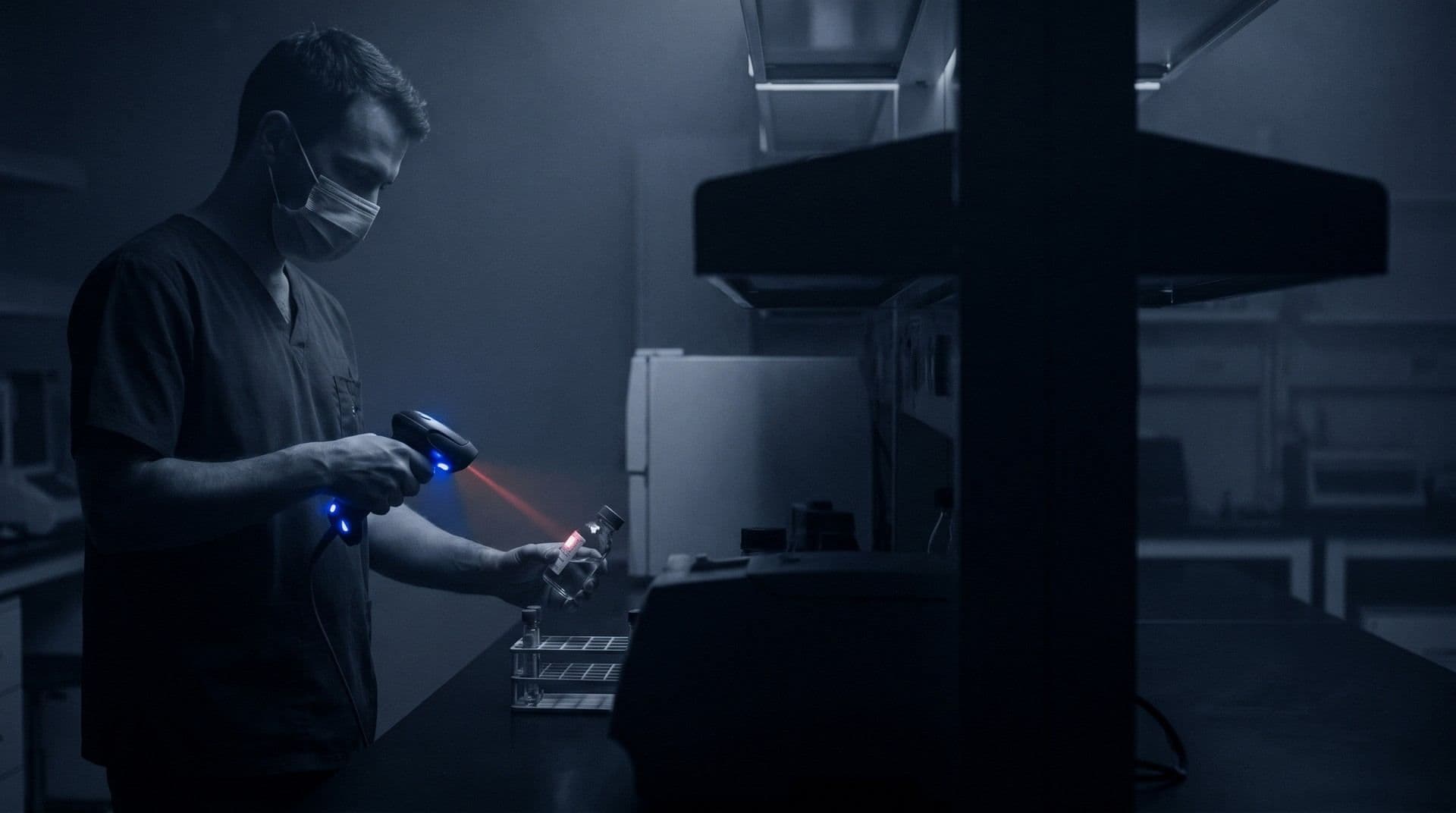
Unique identification to reduce sample mix-ups
Each sample and each container gets its own code, read by a scanner at receipt. The record follows the sample from arrival to disposal, with photos, receipt conditions and the history of each stage.
Illustrative system screen. Demo data that does not represent client results.
What you'll find in this area
Unique label per sample and per container
The system generates barcodes or QR codes for each sample and each vial. Scanning at receipt helps reduce typing errors and sample mix-ups.
Changes to several samples at once
Add or remove parameters across several samples of the same campaign in a single operation, without editing them one by one.
Photos of the sample's condition
Take photos at receipt and, when needed, during analysis. Batch upload helps document a whole campaign.
Recorded priority
The sample's priority (standard, rush or urgent) is recorded and can be used to order the work queue. The urgency surcharge can be set in the proposal.
Comparison with registered regulations
The result is compared with the limits of the main regulation and the secondary regulations registered for the service. The laboratory registers and updates the limits.
Holding period before disposal
The laboratory sets the retention period, with 90 days as the default, and checks which samples can already be discarded. Disposal is recorded with date and person responsible.
What gets recorded at receipt
Sample traceability starts when the vial reaches the laboratory.
Scanner reading
Reading the label brings client, work order and service already linked to the sample, with no codes to retype.
Arrival condition
Temperature, container integrity and photos are saved at receipt, with person responsible and date.
Label with useful data
The label can show work order, sample ID, matrix, parameters, container and preservative, following the layout defined by the laboratory.
Frequently asked questions
Do I need a specific barcode reader?
Receipt works with ordinary barcode readers, and the labels are generated by the system and printed by the laboratory. Confirm the model your team uses during the demo.
Can I change several samples at once?
Yes. You can add or remove parameters across several selected samples in a single operation.
How is the sample's arrival condition recorded?
Photos and receipt data are saved on the sample, with person responsible and date. The acceptance criteria are defined by the laboratory.
Does the system track the holding period before disposal?
Yes. The laboratory sets the retention period, and the system lists the samples that have reached it. Disposal is recorded with date and person responsible.
Want to see this stage with your laboratory's routine?
Free online demo, about 30 minutes long. Our team adapts the examples to your laboratory's routine.